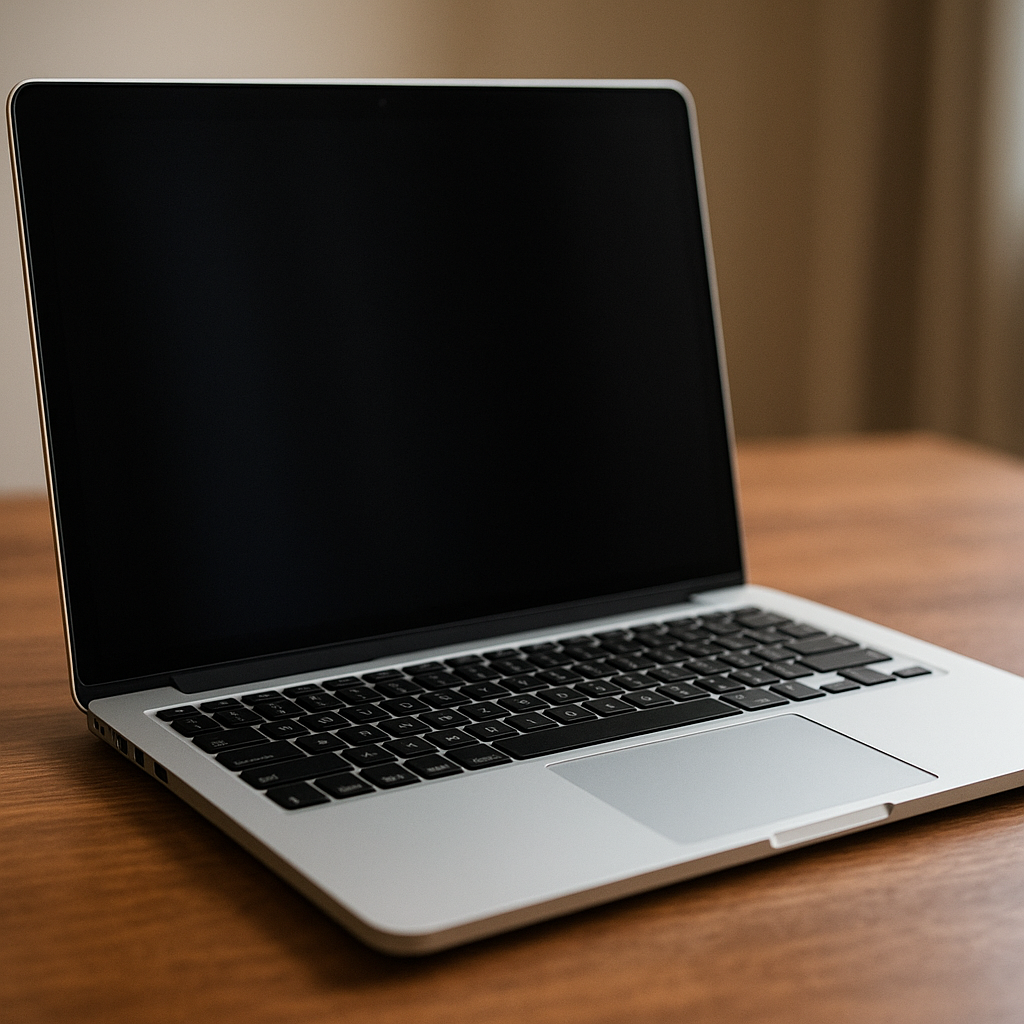
Most laptops last approximately 3–5 years before performance, battery life, or software compatibility becomes a concern. However, a well-built laptop can remain useful for 6–8 years or longer with proper maintenance. How long a laptop will last depends on its build quality, how heavily it’s used, and what you need it to do. A computer used for browsing and email may remain practical much longer than one used for demanding games or professional video editing.
How Long Do Laptops Usually Last?
The average useful lifespan of a laptop varies by price category, hardware quality, and workload. As a general guideline:
- Budget laptops: Approximately 3–5 years. Entry-level components may struggle with newer software sooner.
- Mid-range laptops: Around 4–6 years. These models often balance performance, durability, and cost.
- Premium and business laptops: Approximately 5–8 years or longer. Better construction and higher-performance components may extend their useful life.
These ranges are estimates, not manufacturer guarantees. A budget laptop can last longer than expected, while an expensive model can develop hardware problems early.
According to Asurion’s laptop lifespan guide, durability depends heavily on usage, heat management, and maintenance.
It’s also important to distinguish between a laptop that still turns on and one that remains fast, secure, and compatible with the software you need.
What Affects a Laptop’s Lifespan?
Several factors determine how long a laptop computer should last.
Build Quality and Components
A sturdy chassis, reliable cooling system, and durable internal components can help a laptop withstand years of regular use. Hinges, keyboards, charging ports, and screens also affect overall durability.
Usage and Workload
Browsing, document editing, and streaming generally place less sustained demand on hardware than gaming, video rendering, or other intensive tasks.
Heavy workloads don’t automatically damage a laptop, but they can generate additional heat and place greater demands on cooling components.
Heat and Dust
Excessive heat can reduce performance and accelerate component wear. Dust buildup may restrict airflow, causing the cooling system to work harder.
Using a laptop on soft bedding or thick fabric can block ventilation openings and contribute to overheating.
Battery Wear
Rechargeable batteries gradually lose capacity as they age and undergo charging cycles. A worn battery may require more frequent charging even when the rest of the laptop works normally.
Software Support
A physically functional laptop may become less practical when it no longer supports current operating systems or security updates.
For example, Microsoft’s Windows 11 requirements include processor compatibility and TPM 2.0. Some older computers cannot officially upgrade to the newer operating system.
Continuing to use unsupported software can introduce security risks, even if the hardware remains functional.
How Long Does a Laptop Battery Last?
A laptop battery typically has a shorter useful lifespan than the computer itself. Over time, it stores less energy and provides fewer hours of operation between charges.
Battery longevity depends on temperature, charging habits, battery chemistry, and the number of charge cycles.
For example, many modern MacBook batteries are designed to retain up to 80% of their original capacity at a maximum cycle count of 1,000. The exact limit depends on the model, as explained in Apple’s battery cycle count documentation.
A charge cycle represents cumulative use equal to 100% of the battery’s capacity, not necessarily one charging session.
Battery lifespan should not be confused with battery runtime, which describes how many hours a laptop operates on a single charge.
If the battery becomes worn, replacing it may extend the laptop’s useful life without requiring a new computer.
Signs It’s Time to Replace Your Laptop
Several warning signs suggest that a laptop may be approaching the end of its practical lifespan:
- Persistent slow performance: Everyday activities such as opening applications, browsing, or switching between programs become frustratingly slow.
- Frequent overheating: The laptop regularly becomes excessively hot, slows down, or shuts off unexpectedly.
- Poor battery life: The battery drains quickly, and replacement is unavailable or financially impractical.
- Software incompatibility: Required applications or supported operating systems no longer run properly.
- Recurring hardware failures: Problems with the screen, motherboard, keyboard, or storage device repeatedly interrupt use.
- High repair costs: Necessary repairs approach the cost of a suitable replacement laptop.
Not every problem requires replacing the entire device. Cleaning the cooling system, replacing the battery, or upgrading storage can sometimes restore acceptable performance.
Before making a decision, compare repair costs with the laptop’s age, remaining software support, and expected future usefulness.
How to Make Your Laptop Last Longer
Proper maintenance can help preserve performance and reduce preventable hardware problems.
- Keep ventilation clear. Use your laptop on a hard, stable surface that doesn’t block cooling vents.
- Control dust buildup. Clean accessible vents carefully and arrange professional internal cleaning when necessary.
- Install software updates. Keep the operating system, applications, and security protections current.
- Avoid extreme conditions. Protect your laptop from excessive heat, moisture, spills, and physical impacts.
- Follow battery recommendations. Use manufacturer-supported charging features and avoid prolonged exposure to high temperatures.
- Upgrade components when possible. Additional RAM or a faster solid-state drive may improve performance if the laptop supports upgrades.
Modern laptops differ considerably in repairability. Some have replaceable storage and memory, while others use soldered components. Check the manufacturer’s documentation before attempting upgrades or opening the device.
Ultimately, most laptops can provide several years of dependable service, and many continue working well beyond five years. Replacing a laptop makes sense when its performance, reliability, or software support no longer meets your needs and practical repairs cannot resolve the problem.